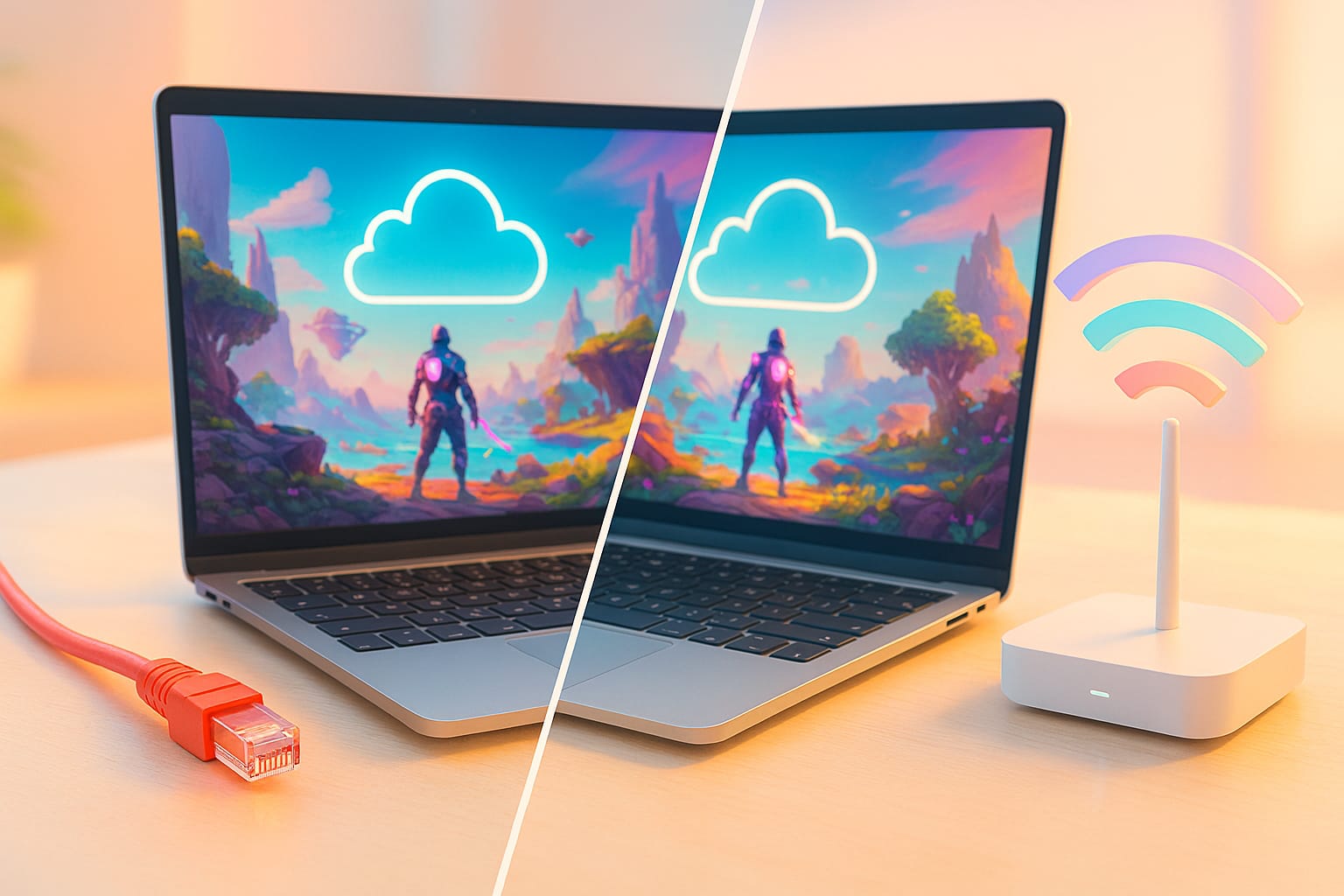
Cloud gaming has transformed how we play, watch, and share games. Whether you’re gaming on GeForce NOW, broadcasting on Twitch, or streaming gameplay to YouTube Live, your internet connection is the backbone of the experience. But recentrly, with Wi‑Fi 6E and Wi‑Fi 7 now mainstream, many gamers are asking: Is Ethernet still the best choice, or has wireless finally caught up?
At Cloud Loadout, we specialize in helping gamers optimize their cloud setups. In this guide, we’ll break down the technical differences between Ethernet and Wi‑Fi, explain how each affects cloud streaming performance, and help you choose the right connection for your setup.
1. Why Your Connection Type Matters in Cloud Streaming
Cloud streaming is bandwidth-intensive and latency‑sensitive. Unlike traditional gaming, where most processing occurs locally, cloud platforms stream video and audio from remote servers while capturing your inputs in real-time. That means your connection must handle:
- High bitrate video streams
- Low-latency input transmission
- Consistent throughput without jitter or packet loss
Even minor disruptions can cause buffering, dropped frames, or input lag, especially at higher resolutions and frame rates.
2. Ethernet: The Gold Standard for Stability
Advantages
- Ultra‑low latency: Ethernet typically delivers 1–3 ms latency, ideal for competitive gaming and real‑time streaming.
- Minimal jitter: Wired connections are less prone to fluctuations, ensuring smoother gameplay and consistent video quality.
- No interference: Unlike Wi‑Fi, Ethernet isn’t affected by walls, appliances, or neighboring networks.
- Full duplex transmission: Ethernet can send and receive data simultaneously without contention.
Disadvantages
- Limited mobility: You’re tethered to a physical cable.
- Installation complexity: Running cables through walls or across rooms can be inconvenient.
- Aesthetic concerns: Visible cables may clutter your setup.
Best Use Cases
- Streaming at 1440p or 4K with high frame rates
- Competitive multiplayer gaming
- Shared households with congested Wi‑Fi networks
- Professional streamers who need maximum reliability
3. Wi‑Fi: Flexible and Fast—With Caveats
Advantages
- Mobility and convenience: Stream from anywhere in your home without cables.
- High speeds with modern standards: Wi‑Fi 6E and Wi‑Fi 7 offer multi‑gigabit throughput and reduced latency.
- Easy setup: No drilling or cable routing required.
Disadvantages
- Susceptible to interference: Walls, microwaves, and other devices can disrupt signal.
- Variable latency and jitter: Even brief spikes can affect stream quality.
- Shared bandwidth: Multiple devices on the same network can reduce performance.
Best Use Cases
- Casual cloud gaming and streaming
- Portable setups (laptops, handhelds)
- Small apartments or single‑user environments
- Situations where Ethernet isn’t feasible
4. Wi-Fi 7 vs Wi-Fi 6: What’s the Difference?
Wi-Fi 7 is the next-gen upgrade to Wi-Fi 6, designed to deliver faster speeds, lower latency, and better performance in crowded networks. Here’s how they stack up:
| Feature | Wi-Fi 6 🟦 | Wi-Fi 7 🟩 | What It Means for You 🎮 |
|---|---|---|---|
Max Speed | Up to 9.6 Gbps | Up to 46 Gbps | Faster downloads, smoother 4K/8K cloud gaming |
Latency | Low | Ultra-low | Reduced lag, better responsiveness |
Bandwidth Channels | 80/160 MHz | Up to 320 MHz | More room for data = better performance |
Frequency Bands | 2.4 GHz, 5 GHz | 2.4 GHz, 5 GHz, 6 GHz | More lanes for traffic, less congestion |
Multi-Link Operation | ❌ Not supported | ✅ Supported | Devices can use multiple bands at once |
Network Efficiency | Good (OFDMA, MU-MIMO) | Excellent (adds MLO, QAM) | Handles more devices with less slowdown |
Ideal Use Case | Streaming, gaming, smart home | High-performance gaming, AR/VR, ultra-HD streaming | Future-proof your setup |
💡 Quick Takeaway: Wi-Fi 6 is solid for most users today, but Wi-Fi 7 is built for tomorrow’s demands s explained in our Best Wi‑Fi Settings & Hardware Upgrades for Cloud Gaming guide, especially if you’re into cloud gaming, multitasking, or have a lot of connected devices.
Performance Comparison: Ethernet vs Wi‑Fi
| Feature | Wired Ethernet | Wireless (Wi-Fi 5/6/6E) |
|---|---|---|
Latency | 1–5 ms (very low) | 10–50 ms (varies with load) |
Jitter | Near zero | Low–Moderate (spikes likely) |
Speed (real-world) | 900 Mbps – 10 Gbps | 80–1200 Mbps (Wi-Fi 6E) |
Stability | Extremely stable | Variable; prone to drops |
Packet Loss | Negligible | Possible if congested/interference |
Security | Highly secure | Secure if WPA3, more exposure |
Setup | Requires cable, fixed spot | Simple, mobile, flexible |
Interference | None | High (walls, neighbors, devices) |
Ideal Use Case | Competitive gaming, streaming | Casual/multi-device, mobility |
Portability | Poor | Excellent |
Bonus: Bandwidth and Bitrate Requirements for Cloud Streaming
Streaming quality depends on both bandwidth (your connection’s capacity) and bitrate (the amount of data sent per second). Here’s what you need for a smooth cloud gaming experience:
| Resolution / FPS | Codec | Bitrate Range | Recommended Bandwidth |
|---|---|---|---|
720p / 30 fps | H.264 | 3–4 Mbps | 5 Mbps |
1080p / 60 fps | HEVC | 6–8 Mbps | 10 Mbps |
1440p / 60 fps | AV1 | 10–14 Mbps | 15–18 Mbps |
4K / 60 fps | AV1 | 20–25 Mbps | 30 Mbps |
Tip: Always aim for 20–30% headroom above your target bitrate to accommodate spikes and maintain quality.
Optimizing Ethernet and Wi‑Fi for Streaming
Ethernet Setup Tips
- Use Cat6 or Cat6a cables for gigabit+ speeds
- Connect directly to your router or modem
- Avoid using powerline adapters or unmanaged switches
- Keep cable runs under 100 meters to prevent signal degradation
Wi‑Fi Setup Tips
- Use 5 GHz or 6 GHz bands for reduced interference
- Place your router in line‑of‑sight to your streaming device
- Enable QoS (Quality of Service) to prioritize streaming traffic
- Consider mesh Wi‑Fi systems with wired backhaul for large homes
Platform-Specific Notes
GeForce NOW
- Ethernet recommended for 4K120 streaming
- Wi‑Fi 6E acceptable for 1080p60 with strong signal
- Ethernet preferred for competitive play
- Wi‑Fi 6E works well for casual gaming
Amazon Luna
- Adaptive bitrate smooths over minor Wi‑Fi drops
- AV1 support improves efficiency on wireless networks
Twitch / YouTube Live
- Ethernet ensures stable uploads for live broadcasting
- Wi‑Fi 6E viable with proper router placement and bandwidth
Conclusion
So, Ethernet vs Wi‑Fi: Which is best for cloud streaming in 2025? The answer depends on your priorities:
- If you’re a competitive gamer or professional streamer, Ethernet is still the most reliable choice.
- If you value flexibility and have a strong Wi‑Fi 6E or Wi‑Fi 7 setup, Wi‑Fi can deliver excellent performance—especially for casual or portable use.
Ultimately, the best connection is the one that fits your space, your gear, and your goals. And with the right optimizations, both Ethernet and Wi‑Fi can support smooth, high‑quality cloud streaming.
FAQs
Yes, especially for 1080p or 1440p streaming. But Ethernet still offers more consistent performance for 4K and competitive play.
Absolutely. Many streamers use Ethernet for their main rig and Wi‑Fi for secondary devices. Just avoid switching mid‑stream.
At least 25 Mbps for AV1, 30 Mbps for HEVC, and 35 Mbps for H.264—plus headroom.
In terms of stability and latency, yes. But modern Wi‑Fi can come close in ideal conditions.
On the unforgiving battlefields of Crimson Desert, there is no single path to victory. With every strike and move, forge your own way in a world where a split second can decide your fate in fast-paced, visceral battles.
Find More Games →
 GeForce NOW
  Xbox Cloud Gaming
  Amazon Luna
  Shadow
  Boosteroid
  PlayStation Plus
  AirGPU
GeForce NOW
Xbox Cloud Gaming
Amazon Luna
Shadow
Boosteroid
PlayStation Plus
AirGPU
AirGPU
GeForce NOW
Xbox Cloud Gaming
Amazon Luna
Shadow
Boosteroid
PlayStation Plus
AirGPU