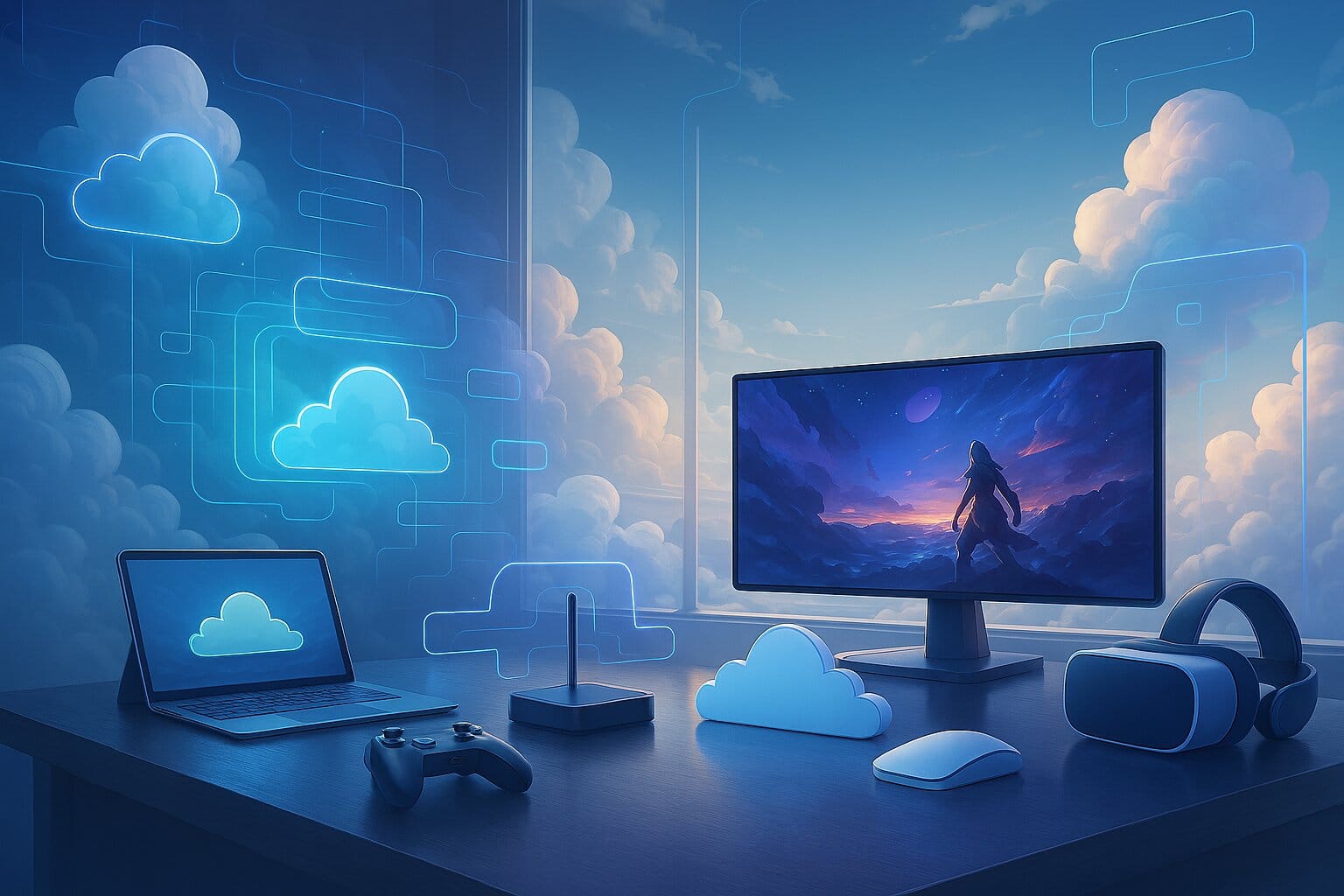
Cloud gaming has quietly crossed a threshold. What used to require a powerful gaming PC or a $500 console can now run on a laptop from 2018, a budget Android phone, or even your smart TV.
In 2026, the technology is fast, widely available, and genuinely competitive with traditional gaming for most players. AI-driven video compression, expanding edge computing infrastructure, and near-universal broadband have all matured at once, and the result is a streaming experience that, for many games and many players, simply works.
This guide covers everything: what cloud gaming is, how it works technically, a full comparison of the best cloud gaming platforms in 2026, what internet speed you actually need, and a step-by-step setup guide to get you playing today.
What Is Cloud Gaming?
Cloud gaming lets you stream and play video games from remote servers over the internet — no gaming console, no high-end PC, and no lengthy downloads required.
Instead of running the game on your own hardware, a powerful server handles all the processing: rendering the graphics, running the physics engine, handling game logic. It streams a live video feed to your device, and your inputs — controller buttons, mouse movements, keyboard presses, travel back to the server in real time. The game responds, and you see it within milliseconds.
The practical result: you can play a demanding modern game on a Chromebook, an iPhone, or a five-year-old budget laptop, as long as your internet connection is up to the task.
How Does Cloud Gaming Work?
The Technical Architecture
When you press play on a cloud gaming platform, a surprisingly complex chain of events fires off nearly instantly:
- Game rendering: A data center GPU (typically NVIDIA RTX 4080 or 5080 class) runs the game and renders each frame on your behalf.
- Video encoding : Rendered frames are compressed using codecs like H.264, HEVC, or AV1 and streamed over the internet to your device.
- Input capture: Your controller, keyboard, or touch inputs are captured locally and transmitted back to the server.
- Decoding and display: A lightweight app or browser on your device decodes the incoming video stream and displays it on screen.
- Resource orchestration: The platform dynamically allocates GPU and CPU capacity across thousands of simultaneous user sessions, scaling up or down based on demand using containerization and virtualization.
The critical factor throughout all of this is latency — the round-trip time between your input and the game’s on-screen response. Most platforms target under 50ms for a comfortable experience; for competitive gaming, sub-30ms is the goal.
What Is Edge Computing in Cloud Gaming?
Edge computing is one of the biggest reasons cloud gaming has improved so dramatically in recent years. Rather than routing all traffic to a centralized data center hundreds of miles away, providers now deploy smaller server nodes geographically close to users — sometimes just a few dozen miles from densely populated areas.
Less physical distance means less travel time for data, which translates directly into lower latency. In practical terms, this can be the difference between a noticeable 80ms input delay and a near-imperceptible 15–20ms response. Most major platforms now operate regional edge networks, and coverage continues to expand.
Cloud Gaming vs. Traditional Gaming: Key Differences
| Aspect | Cloud Gaming | Traditional Gaming |
|---|---|---|
Hardware | Any modern device | Gaming PC / Console |
Game Location | Runs on remote servers | Runs locally |
Updates | Automatic | Manual installs |
Hardware Upgrades | None required | User upgrades needed |
Game Ownership | Subscription access | Owned permanently |
Input Lag | Higher (network delay) | Low (local response) |
Offline Play | Not possible | Available |
Setup Time | Instant play | Downloads required |
Cloud gaming’s biggest advantage is accessibility, you can play demanding titles on almost any device, anywhere with a good connection. The trade-off is that performance depends on your internet rather than your local hardware, and there will always be slightly more input lag than playing locally. For most single-player and casual multiplayer games, that difference is barely noticeable. For competitive esports, it matters more.
The Benefits of Cloud Gaming
Hardware independence. You can play AAA titles on an old laptop, Chromebook, budget smartphone, or basic smart TV, no expensive GPU or gaming console needed. The server does the heavy lifting.
Instant play, no installs. Games are ready the moment you click play. No waiting for 50GB downloads, no manual updates, no disk juggling. Just log in and go.
Cross-device flexibility. Start on your PC and continue on your phone or tablet. Several platforms sync progress automatically across devices, which is useful if you switch between screens during the day.
Real cost savings. A top-tier cloud gaming subscription runs $10–$35 per month. Compare that to the cost of a gaming PC upgrade cycle or a new console, and cloud gaming can represent significant savings — especially for players who don’t need the absolute latest hardware.
No storage constraints. Since nothing installs locally, you never run out of disk space. You can rotate between dozens of games without managing storage.
Always up to date. Platform-managed updates happen server-side. Games and system software stay current automatically — no more waiting for patches before you can play.
Accessible anywhere. Any location with a reliable internet connection works: a hotel room, a café, a friend’s place. Your gaming setup is wherever you are.
AI-powered upscaling. Modern platforms use technologies like NVIDIA DLSS 4 and AMD FSR to make lower-bandwidth streams look sharper on your display. This is increasingly standard, not a premium feature — and it’s closing the visual gap with local play faster than most people realize.
The Limitations of Cloud Gaming
No technology is perfect, and cloud gaming has real trade-offs worth understanding before you subscribe.
Internet dependency. This is the biggest factor. A poor or inconsistent connection — congestion, Wi-Fi interference, packet loss, will degrade your experience faster than any hardware limitation. Cloud gaming rewards a stable, wired connection more than it rewards raw speed.
Input latency. There will always be slightly more input delay than playing locally. For most games, the difference is small and tolerable. For competitive shooters, fighting games, or rhythm games where frame-precise timing matters, it can be a real disadvantage.
Compression artifacts. When bandwidth dips, video quality suffers visibly. You may see blurring, macroblocking, or color banding, especially in fast-moving scenes. This is inherent to video streaming and affects every platform to varying degrees.
Data usage. Streaming at 1080p can consume 10–25GB per hour. At 4K, it’s significantly more. If your ISP enforces a monthly data cap, cloud gaming will eat into it fast.
Game library gaps. Not every game is available on every platform. Licensing agreements and publisher participation vary. If a specific title is non-negotiable, verify it’s available before committing to a subscription.
Session limits on free tiers. GeForce NOW Free caps sessions at one hour, for example. Most paid tiers remove this, but always check the fine print of whichever plan you’re considering.
No offline play. If your internet goes down, so does your gaming session. There’s no fallback mode.
No local mod support. Most platforms don’t allow custom modifications, cheat tools, or unofficial software — because the game isn’t running on your hardware. Shadow PC is the main exception, as it gives you a full Windows environment.
Ownership complexity. Some platforms give you access to a library only while you’re subscribed; others use a “bring your own library” (BYOL) model where you stream games you already own. Understanding the model before subscribing helps avoid surprises when a game disappears from a rotating catalog.
Pricing model complexity. Multiple subscriptions, add-on channels, and publisher DLCs can add up. Budget carefully, especially on channel-based platforms like Amazon Luna.
Best Cloud Gaming Platforms: Full Comparison
| Platform | Pricing | Game Library | Max Res / FPS | Device Support | Features | Limitations |
|---|---|---|---|---|---|---|
NVIDIA GeForce NOW NVIDIA | FreeUltimate $19.99 | 2,300+ (BYOL Steam/Epic/Ubi) 4,500+ w/ Install-to-Play | Up to 5K @ 120fps | Win, Mac, Linux, ChromeOS, Android, iOS (web), Smart TVs |
| Requires owned games |
Xbox Cloud Gaming Microsoft | $22.99 / mo | 400+ Game Pass titles | 1080p | Xbox, PC, Mobile |
| No BYOL |
Amazon Luna Amazon | Luna+ $9.99/moChannel add-ons | ~200 Luna+ games + Ubisoft+ channel | 1080p @ 60fps | Win, Mac, iOS/Android (web), Fire TV, Smart TVs, Chromebooks |
| Smaller library; lacks newest AAA; access lost if sub expires |
PlayStation Plus Premium Sony | $9.99–$17.99 / mo | 800+ classics & modern (PS1–PS5) Rotating catalog | 4K @ 60fps (PS5)1080p (legacy) | PS5/PS4, Windows (app), soon browser/TV |
| Library rotates; tied to Sony ecosystem; limited non-PS games |
Boosteroid Emerging EU/Global | ~$9.89 / mo | 1,200+ (Steam/Epic/Ubi/Battle.net) BYOL supported | 4K @ 60fps | Browser, Smart TVs, Android/iOS, car infotainment |
| No free tier; server coverage EU/US/Asia focused |
Shadow PC Blade Group | Power $32.99Ultimate $49.99 | Full Windows PC Install anything (Steam, Xbox…) | Up to 4K @ 240fps | Win, Mac, Android, iOS, Linux, VR headsets |
| Expensive; requires 15+ Mbps; manual setup |
Blacknut Family-Focused | $15.99 / mo | 700+ curated family/indie games Rotating catalog | 1080p @ 60fps | Win, Mac, Android, iOS, Smart TVs, Chromecast, Fire TV |
| Lacks AAA/competitive titles; smaller core library |
AirGPU Pay-As-You-Go | ~$0.65 / hr | Full Cloud PC BYOL supported | Up to 4K @ 60fps | Any browser, Win/Mac/Linux clients, mobile |
| Peak queue times; manual session launch; not plug-and-play |
CloudDeck Next-Gen Cloud | ~$19.99 / mo | Full Virtual PC BYOL + curated store | 1080p–4K @ 60fps | Win, Android, iOS, Web browsers |
| Newer platform; smaller server footprint; early adopter stage |
Platform Highlights at a Glance
NVIDIA GeForce NOW: is the technical benchmark. RTX 5080-class servers, DLSS 4 AI upscaling, 5K/120fps streaming, and an Install-to-Play feature that lets you stream Steam and Epic titles without downloading them locally. The catch: you need to own the games you want to play. Best for PC gamers with existing Steam or Epic libraries.
Xbox Cloud Gaming: (included with Game Pass Ultimate at $22.99/month) is the easiest on-ramp for most players. Day-one access to every Game Pass title, seamless integration across Xbox console, PC, and mobile. Resolution is currently capped at 1080p, but the value-for-money is hard to beat if you’re already in the Microsoft ecosystem.
PlayStation Plus Premium: offers the deepest back-catalog of any major platform — PS1 through PS5 titles, including streaming access to PlayStation classics you can’t find elsewhere. The obvious choice for Sony fans and retro gaming enthusiasts. PC support is improving but still primarily PlayStation-first.
Boosteroid: is the strongest pick for international users and anyone wanting BYOL flexibility without GeForce NOW‘s prices. No session limits, AV1 video encoding for better quality at lower bitrates, and 4K@60fps make it a serious option. Coverage is strongest in EU, US, and Asia.
Amazon Luna: suits casual players and families, particularly those already inside the Amazon ecosystem. The channel-based pricing is flexible, but the library trails competitors and it falls short for serious or competitive gaming.
Shadow PC: is in a different category entirely: a full Windows PC in the cloud with admin access. If you need mod support, VR, or want to install any software you own, Shadow is the only mainstream option. It’s also the most expensive.
AirGPU: is ideal for sporadic or occasional gamers. Pay-as-you-go at ~$0.65/hour means no wasted subscription costs if you only play a few times a month.
Which Cloud Gaming Platform Is Right for You?
| Your Situation | Best Platform |
|---|---|
Already own games on Steam / Epic | GeForce NOW |
Want the most games for one price | Xbox Cloud Gaming |
PlayStation fan / love retro gaming | PlayStation Plus Premium |
Budget-conscious, BYOL flexibility | Boosteroid |
Family with kids | Amazon Luna or Blacknut |
Need full Windows / mod support | Shadow PC |
Game occasionally, hate subscriptions | AirGPU |
Internet Speed Requirements for Cloud Gaming
| Resolution / FPS | Download Speed | Upload Speed | Latency |
|---|---|---|---|
720p @ 60 FPS Standard HD | 10–15 Mbps | 1–3 Mbps | <50 msideal |
1080p @ 60 FPS Full HD | 20–25 Mbps | 3–5 Mbps | <40 ms |
1440p @ 120 FPS Quad HD | 35–40 Mbps | 5–10 Mbps | <30 mspro |
4K @ 60–120 FPS Ultra HD | 45–50+ Mbps | 10+ Mbps | <30 ms |
5K @ 120+ FPS Next-Gen Cloud | 55–100 Mbps | 10+ Mbps | <30 ms |
A few things worth knowing beyond the numbers:
Consistency beats peak speed. A connection that fluctuates between 10 and 50 Mbps will produce worse cloud gaming results than a rock-solid 20 Mbps link. Jitter and packet loss are more damaging than raw download speed.
Wired beats wireless. Ethernet reduces latency and eliminates the interference Wi-Fi introduces. If you’re on Wi-Fi, use 5GHz rather than 2.4GHz and minimize the distance to your router.
Your ping to the data center matters more than your download speed. A 30ms ping to a nearby edge server is worth more than a 500 Mbps connection with 80ms latency. Most platforms let you run a connection quality check before starting a session, use it.
Shared bandwidth compounds problems. If others in your household are streaming 4K video or running large downloads, your cloud gaming session will feel it. A router with QoS (Quality of Service) settings lets you prioritize gaming traffic.
Cloud Gaming on Mobile and 5G
5G has made cloud gaming on smartphones genuinely viable. Modern 5G networks, particularly mid-band deployments, can deliver the consistent low-latency connections cloud gaming needs, meaning you can play comfortably away from home without relying on Wi-Fi.
In practice, performance still varies by carrier, location, and network congestion. For best mobile results: use a strong 5G or 4G LTE connection with low ping, pair a Bluetooth controller (it makes a dramatic difference over touch controls), and target 1080p/60fps rather than pushing for 4K.
Hardware Requirements for Cloud Gaming
One of the core appeals of cloud gaming is that local hardware requirements are minimal. Here’s what’s actually needed to get started:
PC: Any modern machine with a dual-core CPU, 4GB RAM, and a GPU supporting DirectX 11 — that covers most GPUs from 2012 onwards. A browser is often sufficient, though dedicated apps usually perform better.
Mac: macOS Catalina (10.15) or newer. Essentially any Mac from 2012 or later is compatible.
Smartphone / Tablet: iOS 15+ or Android 7.0+, minimum 2GB RAM. A stable 5G or Wi-Fi connection matters far more than the device specification.
Smart TVs: Recent Samsung (Tizen), LG (webOS), or Fire TV models with platform apps or modern browsers support the major services.
Chromebooks: ChromeOS with 4GB RAM and a recent version of Chrome. Most modern Chromebooks work well.
Controllers: Xbox Wireless Controller, DualSense/DualShock 4, and most standard Bluetooth controllers work across platforms. Amazon Luna’s controller connects via Wi-Fi for slightly lower input latency. Keyboard and mouse work on PC and Mac for most services.
Networking hardware: A Wi-Fi 6 (802.11ax) router or a Cat 5e Ethernet cable will meaningfully improve stability compared to older gear. This is often the cheapest upgrade with the highest impact on cloud gaming quality — worth prioritizing before anything else.
How to Optimize Your Cloud Gaming Performance
Getting a great cloud gaming experience is mostly about eliminating obstacles between you and the server. These are the changes that actually move the needle:
Use a wired Ethernet connection. This single change has more impact than anything else. It eliminates interference, reduces jitter, and lowers latency. If you can run a cable, do it.
Enable QoS on your router. Most modern routers let you prioritize traffic from specific devices or applications. Set your gaming device as highest priority so it’s never competing for bandwidth with Netflix on the TV or a background download.
Select the nearest server region. Most platforms let you choose your server region. Pick the one geographically closest to you. Even if another region occasionally offers a slightly lower ping reading, consistent proximity wins over time.
Adjust streaming quality to match your connection. If you’re seeing artifacts or stuttering, dropping from 4K to 1080p or from 120fps to 60fps makes a big difference. A stable lower-quality stream beats an unstable high-quality one every time.
Reduce competing bandwidth during sessions. Pause downloads, ask others on the network to hold off on 4K streaming, and disable automatic cloud backups on your device while gaming.
Use DSCP tagging if your router supports it. This labels gaming data packets for priority handling at the network level, useful if QoS alone isn’t enough.
Cloud Gaming Subscription Costs
| Platform | Price / Month | Pricing Model | Max Resolution | Mobile Support | Best For |
|---|---|---|---|---|---|
GeForce NOW NVIDIA | Free – $19.99 | BYOL (Steam/Epic) | 4K @ 120fps | ✓ | PC library gamers |
Xbox Cloud Gaming Microsoft | Game Pass $22.99 | Library + BYOL | 2K @ 60fps | ✓ | Game Pass users |
Boosteroid | €12.89 – €14.89 | BYOL + Catalog | 4K @ 120fps | ✓ | Budget gamers |
PlayStation Plus Premium | $9.99 – $17.99 | Sony Catalog | 1080p | ✗ | PlayStation fans |
Amazon Luna | $9.99+ | Channel-based | 1080p | ✓ | Casual gaming |
Shadow PC | $34.19 / mo | Full Windows PC | 4K @ 240fps | ✓ | Power users |
AirGPU | $0.65 / hr | Pay-as-you-go | 4K | ✓ | Sporadic gamers |
Blacknut | $15.99 | Family Catalog | 1080p | ✓ | Families |
CloudDeck | $19.19 | Virtual PC | 1080p+ | ✓ | Early adopters |
Most platforms offer a free trial, typically one to three months for new subscribers. GeForce NOW has a permanent free tier with session limits, which is a low-commitment way to test the experience before paying. If you’re comparing total costs across platforms, factor in whether you need to purchase games separately on BYOL services or whether the subscription price includes everything.
Is Cloud Gaming Good for Competitive and FPS Games?
This is one of the most common questions about cloud gaming, and the honest answer is: it depends on how seriously you compete.
For casual multiplayer, most platforms are perfectly adequate. The extra 20–40ms of input latency introduced by streaming is barely noticeable in co-op games, RPGs, strategy titles, or casual shooters. For ranked competitive play in games like Valorant, CS2, or Apex Legends, where reaction time and frame-precise inputs matter, that added latency can put you at a measurable disadvantage against players on local hardware.
If climbing ranked ladders is your primary goal, cloud gaming shouldn’t be your main setup. For everything else, including online co-op, most multiplayer shooters, open-world games, sports games, and single-player titles, the experience ranges from good to excellent on a solid connection.
The practical takeaway: start with the games you actually play. If they feel responsive and you’re enjoying yourself, the latency isn’t a problem. If you notice the delay, check whether your server region is set correctly and whether your connection is wired — those two fixes close most of the gap.
The Future of Cloud Gaming
AI Upscaling Is Getting Better Fast
AI-based upscaling has become one of the key differentiators between platforms. NVIDIA DLSS 4 and AMD’s FSR / Redstone suite use machine learning to reconstruct high-quality frames from lower-resolution inputs, allowing platforms to reduce bandwidth demands without sacrificing visual quality.
AMD has also developed REAPPEAR (Real-time, Edge-optimized, AI-powered, Parallel Pixel-upscaling Engine) — a framework specifically designed for thin-client and edge devices like handhelds and budget laptops, enabling real-time upscaling to 1080p on hardware that can leverage heterogeneous compute resources including iGPU and NPU acceleration. As this class of technology improves, the visual gap between cloud and local gaming will continue to narrow.
Edge Computing Will Keep Cutting Latency
The expansion of edge server networks is ongoing. As more providers deploy nodes closer to residential areas, round-trip latency will keep dropping. Some providers already achieve 10–20ms in major metro areas — directly competitive with many wired local setups. Expect this infrastructure buildout to continue accelerating through the next few years.
5G and Hybrid Connectivity
As 5G infrastructure matures globally, cloud gaming on mobile becomes more consistent and more capable. Hybrid edge/5G environments — where your mobile device connects to a nearby cloud node via 5G — are moving from theoretical to practical in densely populated markets. This is the setup that makes truly untethered gaming viable.
Cloud-Native Game Design
The next evolution isn’t just streaming existing games — it’s designing games specifically for cloud infrastructure. Think persistent multiplayer worlds with thousands of simultaneous players, asynchronous game states, and interactive spectator features that only work at cloud scale. Several studios are already building in this direction, and the results in the next few years should be genuinely different from anything possible on local hardware.
Subscription Consolidation
Expect more bundling. Telcos, streaming services, and cloud gaming providers are already exploring joint packages. The model where you pay your carrier and get cloud gaming included is closer than it might seem — and when it arrives, it will meaningfully lower the barrier to entry for casual players.
How to Get Started With Cloud Gaming (Step-by-Step)
Frequently Asked Questions About Cloud Gaming
For most players, yes. It's a great option if you don't own a gaming PC or console, want to play on multiple devices, or prefer avoiding expensive hardware upgrades. A stable 15–20 Mbps connection is the minimum requirement. For 1080p gaming, aim for 20–25 Mbps and under 40ms ping. For 4K, 45–50+ Mbps is recommended. Connection stability is more important than raw speed. Can I play cloud games on my phone?
Yes. Android and iOS are supported by all major cloud gaming services. A strong Wi-Fi or 5G connection and a Bluetooth controller provide the best experience. It depends on the service. GeForce NOW and Boosteroid stream games you already own, while Xbox Cloud Gaming, PlayStation Plus, Luna, and Blacknut include games with the subscription. GeForce NOW offers the largest catalog with 2,300+ supported games and access to thousands more through PC storefronts. PlayStation Plus Premium has one of the largest curated console libraries. Some input lag is unavoidable, but on a good connection with a nearby server, it's often barely noticeable. Using Ethernet and choosing the closest server region helps minimize latency. Yes. PC users can play with keyboard and mouse, while many mobile games support touch controls. A controller is recommended but not required. Yes. Many Samsung, LG, Fire TV, and Android TV devices support cloud gaming apps. Pairing a Bluetooth controller delivers the best experience. Subscription services remove access to included games when you cancel. With services like GeForce NOW, you keep your purchased games but lose streaming access through that platform. Cloud gaming is a mature, practical technology, not a compromise you make when you can’t afford hardware, but a genuinely different way to game that makes sense for a lot of players and situations. Whether you’re looking to play on a device you already own, access a larger library without a console purchase, or simply game from anywhere with a decent connection, there’s a platform built for your use case. The key is matching the right service to your situation: what you play, how you play, and what your internet connection actually looks like in practice. This article is your gateway to cloud gaming, but it’s only the beginning. Explore our detailed optimization guides, professional connection-testing tools, in-depth platform reviews, device recommendations, and much more.
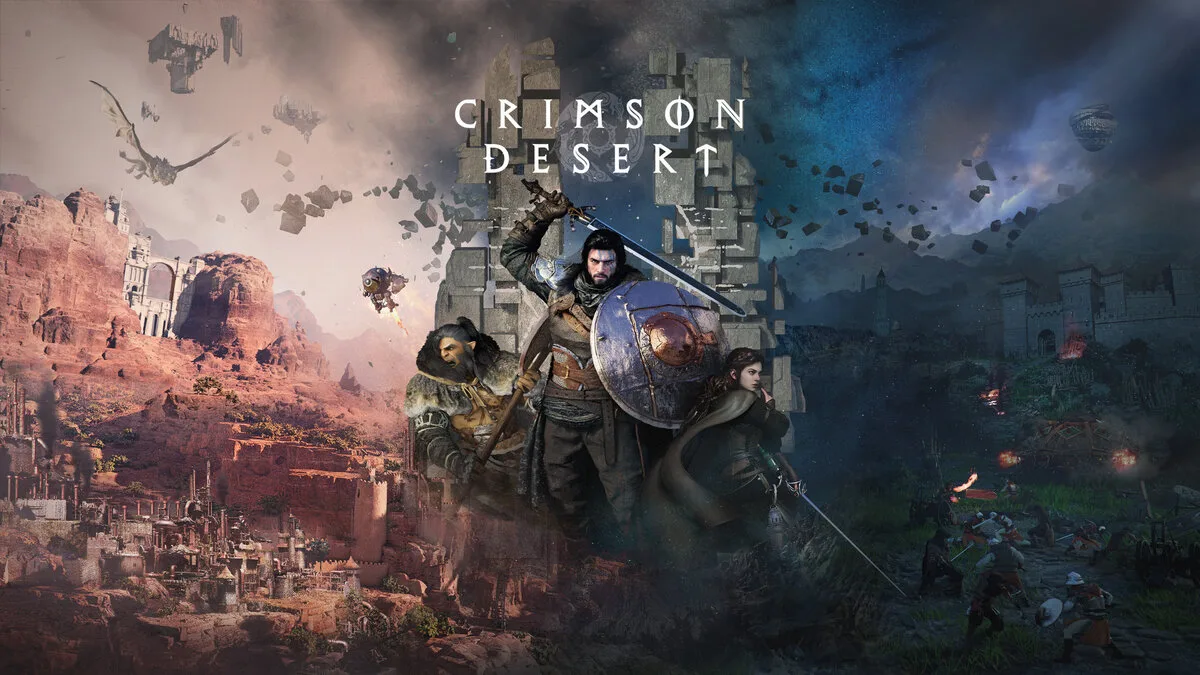
On the unforgiving battlefields of Crimson Desert, there is no single path to victory.
With every strike and move, forge your own way in a world where a split second can
decide your fate in fast-paced, visceral battles.Final Thoughts
 GeForce NOW
  Xbox Cloud Gaming
  Amazon Luna
  Shadow
  Boosteroid
  PlayStation Plus
  AirGPU
GeForce NOW
Xbox Cloud Gaming
Amazon Luna
Shadow
Boosteroid
PlayStation Plus
AirGPU
AirGPU
GeForce NOW
Xbox Cloud Gaming
Amazon Luna
Shadow
Boosteroid
PlayStation Plus
AirGPU