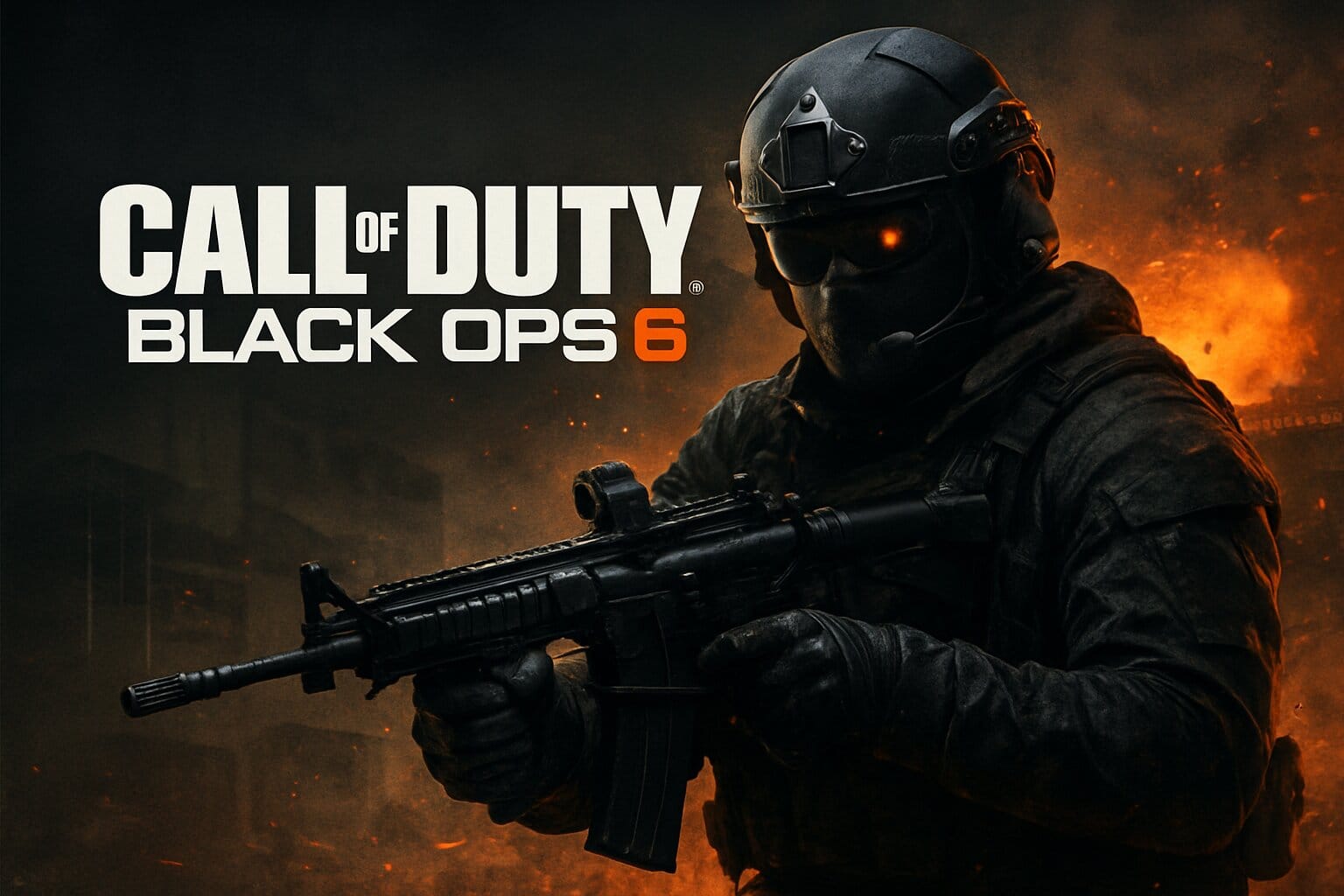
🌟 Game Introduction
Call of Duty: Black Ops 6 delivers signature fast-paced FPS action with new campaign, multiplayer, and Zombies modes. As one of the flagship shooters of 2025, Black Ops 6 is now fully cloud-enabled day-one, supporting major services for seamless play on nearly any device—with minimal hardware fuss and maximum graphical fidelity.
| 🎮 Genre | 🕹️ Sub‑Genre |
|---|---|
| Shooter | First Person Shooter (FPS), Action, Zombies, Battle Royale (via Warzone) |
☁️ Supported Cloud Platforms
 GeForce NOW
 Xbox Cloud Gaming
 Playsataion plus premium
 Amazon Luna
 Boosteroid
 Shadow PC
 Air GPU
 Blacknut
 CloudDeck
Minimum Device Requirements
| Device Type | Minimum Specs |
|---|---|
| 📱 Android/iOS | Chrome/Safari app/browser, 2GB+ RAM |
| 💻 Windows PC/Mac | WIN 10+ / MacOS12+, Chrome/Edge/Firefox (cloud only), 8 GB RAM, dual-core CPU, integrated GPU |
| 📺 Smart TV/Browser | Modern browser (Chrome/Edge), Platform app, compatible controller |
Network Requirements
| Resolution | Recommended Bandwidth |
|---|---|
| 1080p @ 60 FPS | 20–25 Mbps |
| 4K60 | 45 Mbps |
| Latency | < 80ms (prefer <60ms) |
🚀 Best Practices for Cloud Play
- Always use a wired controller or the lowest-latency Bluetooth connection.
- Choose “Performance Mode” in GeForce NOW for reduced lag.
- Close background apps/utilities on your device.
- Play near your router or use WiFi 6 for smoother matches.
Cloud Gaming Platforms & Game Archives ▼
Useful guides
Call of Duty: Black Ops 6 Faqs
Yes! Black Ops 6 is available on cloud gaming day one via multiple platforms
Yes, BO6 launched on GeForce NOW
The officially supported cloud platforms for BO6, as of September 2025, are: Xbox Cloud Gaming (xCloud), GeForce NOW (GFN), Boosteroid, AirGPU, Shadow PC nad more. Not available: Amazon Luna, , Blacknut, PlayStation Cloud Gaming,
Playing Black Ops 6 via Xbox Cloud Gaming requires: 1. An Xbox account and a linked Activision account. 2. An active Xbox Game Pass Ultimate subscription (currently $16.99/month, region-dependent). 3. A compatible device: Xbox consoles, PC (browser/app), mobile devices, select Samsung TV, Amazon Fire TV, or Meta Quest devices. 4. A supported controller (Xbox, PlayStation, some 3rd party); touchscreen controls are not supported for BO6; keyboard & mouse may work on PC. 5. Decent Internet connection (Recommended: 20 Mbps or higher for HD).
Boosteroid is a subscription-based cloud gaming service where you can play PC games from your Steam, Xbox, or Battle.net. Black Ops 6 is supported if you own it on Steam, Xbox, or Battle.net and have an active Boosteroid subscription (prices vary by region, typically between €7.49 and €14.89/month)
Xbox Cloud Gaming: Playing through Xbox Cloud Gaming requires an active Game Pass Ultimate subscription; BO6 is included as part of Game Pass Ultimate—no additional purchase needed. If Game Pass is cancelled, you lose access (except for your saved progression, which is stored in your account). GeForce NOW / Boosteroid / Cloud PC: You must have purchased Black Ops 6 ON THE SAME STORE the service supports (Steam, Battle.net, Xbox, or others). There is no “cloud-only” subscription for BO6 on GFN/Boosteroid—you are streaming a game you already own. Note: Amazon Luna and PlayStation Plus do not feature BO6, even for premium members.
Minimum 10 Mbps download for 720p; 20 Mbps or higher strongly recommended for 1080p/60 FPS. A wired (Ethernet) connection is preferred for best latency and stability
Press and player reviews rate the cloud version of BO6 highly, noting it is one of the most ambitious cloud day-one launches in franchise history