🌟 Game Introduction:
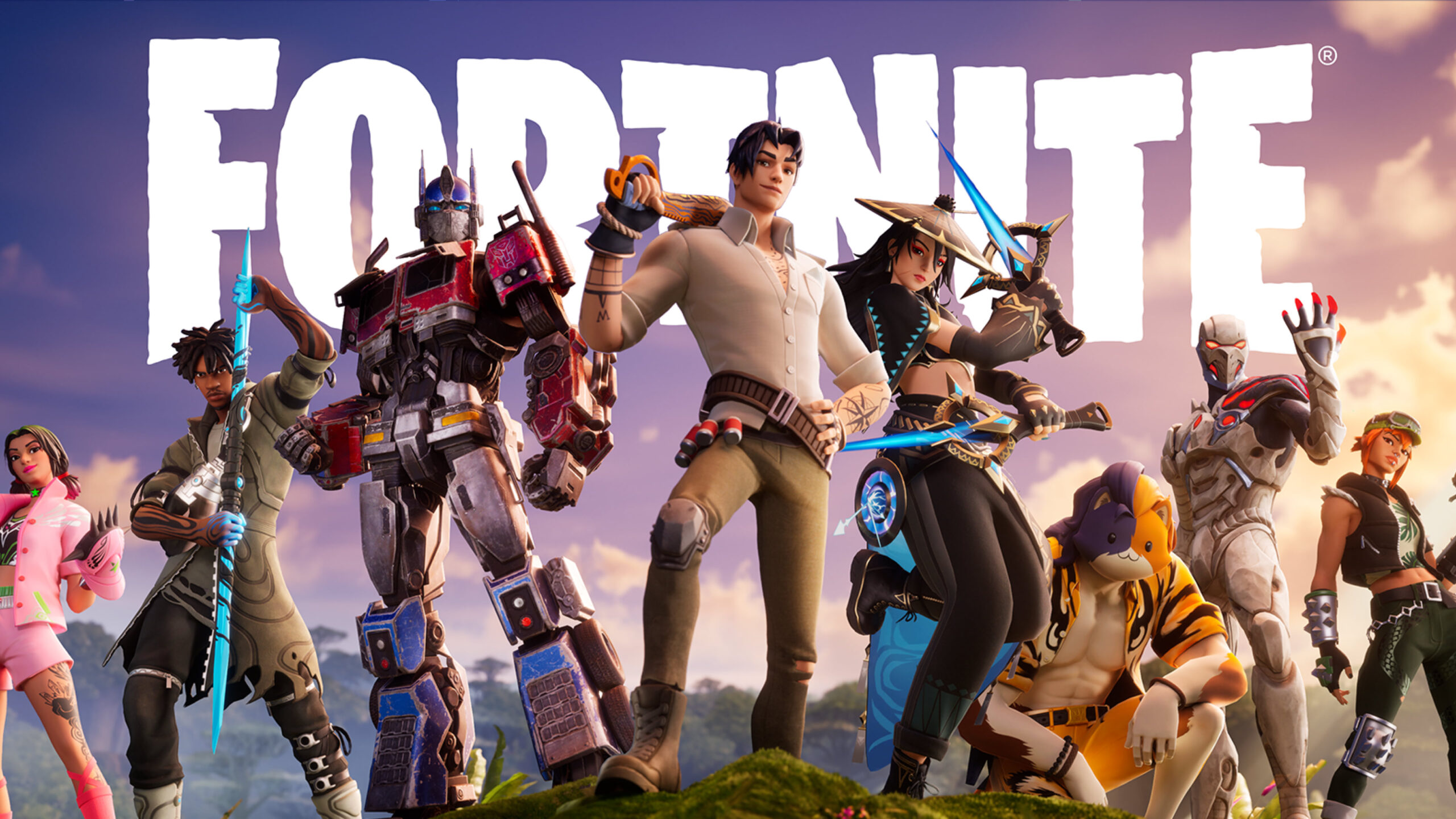
Fortnite, by Epic Games, continues to be one of the most influential and cross-platform battle royales on the planet. With its fast-paced action, ever-evolving content, and creative modes, Fortnite remains a top choice for both competitive and casual players. Thanks to cloud gaming, you can now jump into Fortnite on virtually any device, overcoming hardware limitations with a solid internet connection. This guide covers platforms, requirements, best practices, and answers to the most common questions about playing Fortnite via cloud streaming services.
| 🎮 Genre | 🕹️ Sub‑Genre |
|---|
| Action | Battle Royale, Sandbox, Shooter |
☁️ Supported Cloud Platforms
Minimum Device Requirements
| Device Type | Minimum Specs |
|---|
| 📱 Android/iOS | OS 9.0+/iOS 14.3+, 2GB RAM, Bluetooth 4.0+ |
| 💻 Windows PC/Mac | Windows 10+/MacOS 12+, Dual-core 2GHz+, 4GB RAM |
| 📺 Smart TV/Browser | Modern browser (Chrome/Edge), 5Mbps+ internet |
Network Requirements
| Resolution | Recommended Bandwidth |
|---|
| 1080p @ 60 FPS | 20–25 Mbps |
| 720p | 20 Mbps |
| Latency | – 40ms recommended |
🚀 Best Practices for Cloud Play
- Always use a wired controller or the lowest-latency Bluetooth connection.
- Choose “Performance Mode” in GeForce NOW for reduced lag.
- Close background apps/utilities on your device.
- Play near your router or use WiFi 6 for smoother matches.
These best practices are especially important for fast-paced shooters like Fortnite, where milliseconds mean the difference between a win and a loss.
Cloud Gaming Platforms & Game Archives
▼
Useful guides


 GeForce NOW
 Xbox Cloud Gaming
 Playsataion plus premium
 Amazon Luna
 Boosteroid
 Shadow PC
 Air GPU
 Blacknut
 CloudDeck