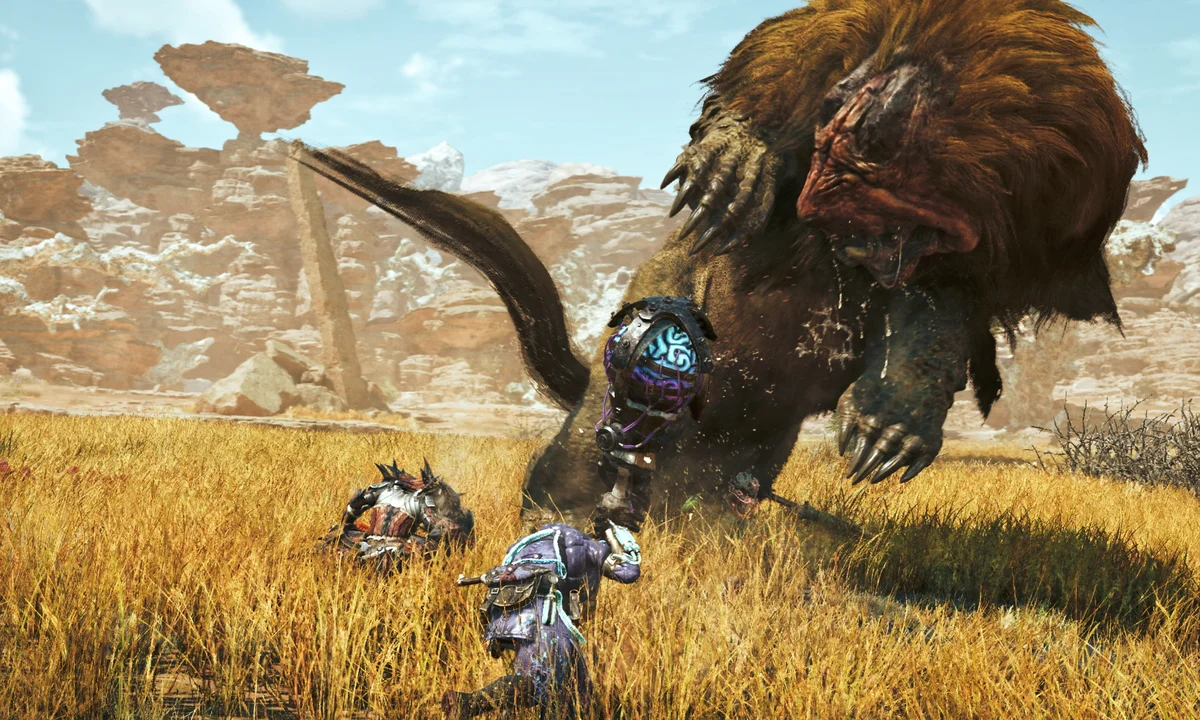
🌟 Game Introduction
Monster Hunter Wilds is Capcom’s celebrated expansion of its open-world hunting franchise, featuring dynamic ecosystems, unpredictable weather, and dangerous creatures. The game has robust cross-platform multiplayer and is accessible on select cloud services despite its demanding graphics and real-time combat.
| 🎮 Genre | 🕹️ Sub‑Genre |
|---|---|
| Action RPG | Open World, Monster Hunting |
☁️ Supported Cloud Platforms
Available

Own Game Required
From $9.99/mo
Plan: Performance or Higher

Own Game Required
From €9.89/mo
Plan: Any tier

Own Game Required
From $37.99/mo
Plan: Any tier

Own Game Required
From $0.65/h (pay as you go)
Plan: Any tier
Not Yet





🖥️ Minimum Device Requirements
| Device Type | Minimum Specifications |
| 📱 Android/iOS | OS 8.0+/iOS 15+, 2GB RAM, Bluetooth 4.0+ |
| 💻 Windows PC/Mac | Windows 10+/MacOS 12+, Dual-core 2GHz+, 4GB RAM |
| 📺 Smart TV/Browser | Modern browser (Chrome/Edge), 5Mbps+ internet |
💡The minimum device thresholds ensure smooth streaming; you don’t need gaming hardware thanks to cloud rendering.
🌐 Network Requirements
| Resolution | Recommended Bandwidth |
| 1080p @ 60 FPS | 20–25 Mbps |
| 4K (if supported) | 45 Mbps+ |
| Latency | < 80ms (prefer <60ms) |
| Stable Connection | Wired Ethernet or 5GHz WiFi |
💡 Smooth monster hunting with no lag requires optimizing your connection for high real-time data demands
🚀 Best Practices for Cloud Play
- Use a physical controller paired via Bluetooth or USB for the best responsiveness.
- Prefer wired Ethernet for stability—important during precision hunts or multiplayer.
- Optimize stream quality for your connection; reduce video settings if stutter occurs.
- Sync Steam saves if switching devices or cloud platforms.
💡Real-time combat and co-op functionality are sensitive to latency; networking matters more than raw device power here.
▶️ Official YouTube Trailer
Cloud Gaming Platforms & Game Archives ▼
Useful guides
Cloud Gaming 101: Everything You Need to Know Before You Start
How to Optimize Your Network for Cloud Gaming - The Ultimate Guide
Top 10 Cloud Gaming Issues & How to Fix Them