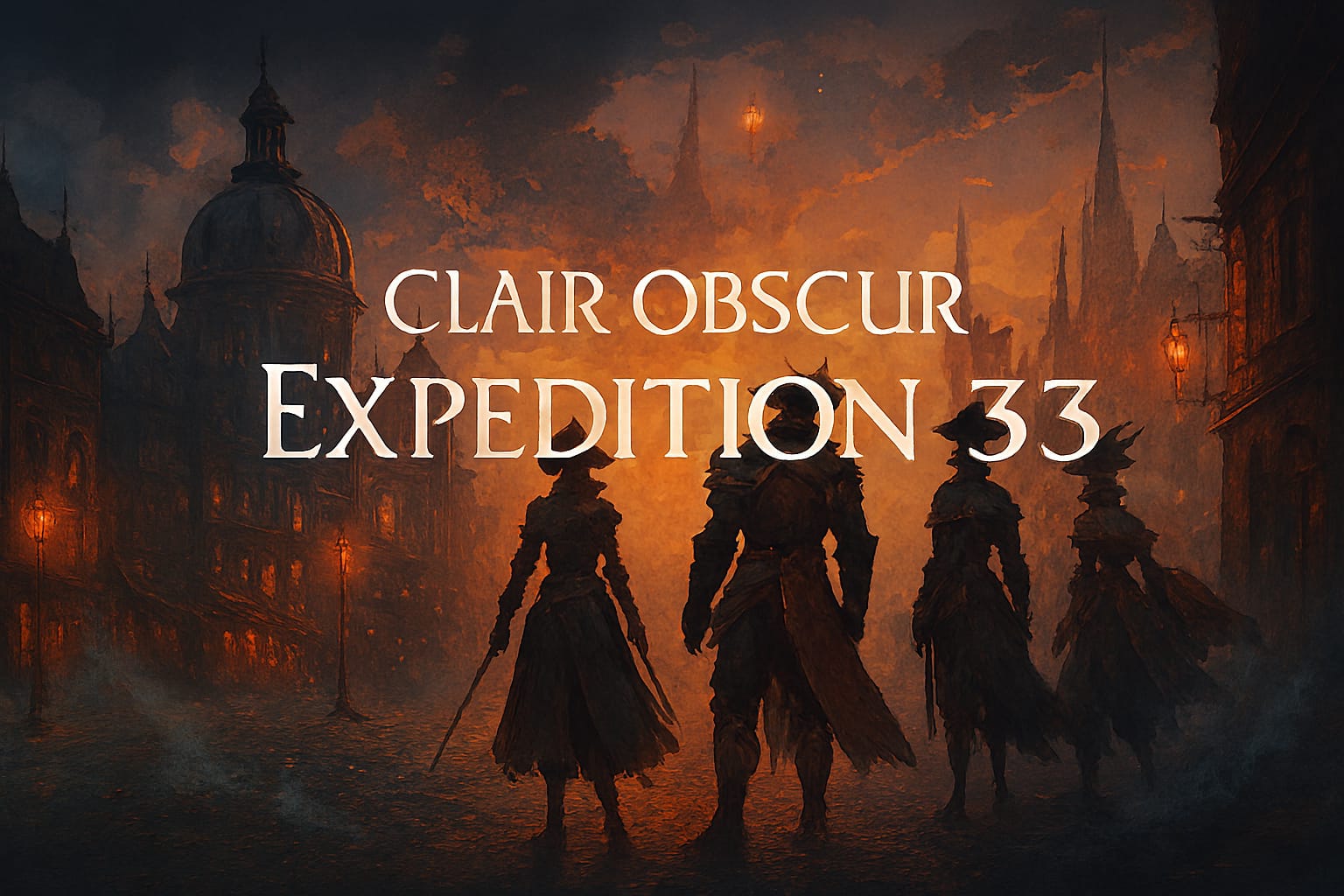
🌟 Game Introduction
Clair Obscur: Expedition 33 is a visually stunning, emotionally charged turn-based RPG set in a surreal, French-inspired world. Lauded for its atmospheric narrative, innovative mechanics, and richly layered character progression, the game offers immersive storytelling and strategic combat. As cloud gaming matures, Expedition 33 stands out for its accessibility and seamless cross-save support, allowing you to take your adventure anywhere.
| 🎮 Genre | 🕹️ Sub‑Genre |
|---|---|
| RPG | Turn-Based, Fantasy |
💡Expedition 33 primarily fits the RPG category, emphasizing strategic battles, party management, and a narrative-driven, fantasy world.
☁️ Supported Cloud Platforms
 GeForce NOW
 Xbox Cloud Gaming
 Playsataion plus premium
 Amazon Luna
 Boosteroid
 Shadow PC
 Air GPU
 Blacknut
 CloudDeck
Minimum Device Requirements
| Device Type | Minimum Specs |
|---|---|
| 📱 Android/iOS | OS 7+/iOS 14+, 2GB RAM, Bluetooth 4.0+ |
| 💻 Windows PC/Mac | Windows 10+/MacOS 12+, Dual-core 2GHz+, 4GB RAM |
| 📺 Smart TV/Browser | Modern browser (Chrome/Edge), 5Mbps+ internet |
💡The minimum device thresholds ensure smooth streaming; you don’t need gaming hardware thanks to cloud rendering.
Network Requirements
| Resolution | Recommended Bandwidth |
|---|---|
| 4K (if supported) | 45 Mbps+ |
| 1080p @ 60 FPS | 20–25 Mbps |
| 720p | 20 Mbps |
| Latency | < 80ms (prefer <40ms) |
💡 Network steadiness and low latency are crucial for minimizing lag—especially important in QTE-heavy and fast reaction scenes.
🚀 Best Practices for Cloud Play
- Use a wired Ethernet connection or strong 5GHz WiFi for best stability.
- Close background apps to free bandwidth and processing resources.
- Sync your game saves regularly so you can switch between devices seamlessly.
- Adjust in-service stream quality (if available) to match your connection.